
A Simple IT Stack for Not-for-Profits & Small Businesses
Introduction
Not-for-profits and small businesses face a unique challenge. You need reliable technology, strong security, and smooth collaboration, but without enterprise budgets or full-time IT staff.
The good news is that a modern IT stack does not need to be complex or expensive. In fact, simpler is usually better.
This guide breaks down a lean, practical IT stack that works for not-for-profits and small businesses across Canada, especially teams with 2–50 users. No fluff. No over-engineering. Just the tools you actually need to run safely and efficiently in 2026.
What “IT Stack” Really Means (and Why Simpler Wins)
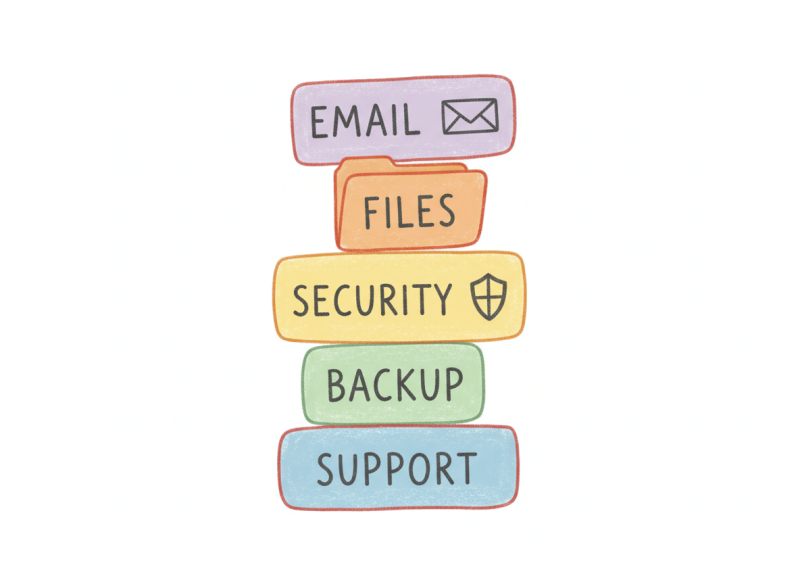
An IT stack is the collection of tools and systems that run your business day-to-day:
- Email and file storage
- Devices and user access
- Security and backups
- Communication and collaboration
- IT support and monitoring
The biggest mistake small organizations make is copying enterprise setups they do not need. Complexity increases cost, confusion, and risk.
A good IT stack should be:
- Easy to manage
- Secure by default
- Scalable as you grow
- Predictable in cost
Core Principle: One Stack, One Login, One Source of Truth
Before we get into tools, here is the guiding rule:
Fewer platforms. Fewer passwords. Fewer points of failure.
If your staff needs five different logins just to work, productivity drops and security suffers. A modern IT stack should feel invisible when it is working properly.
The Recommended Simple IT Stack (2026)
Email, Calendar & File Storage (The Foundation)
Your email and files are the backbone of everything else.
What to use
- Microsoft 365 or Google Workspace (not both)
Why
- Business-grade email
- Shared calendars
- Cloud file storage
- Built-in security controls
- Easy user onboarding and offboarding
Common mistakes
- Free email accounts
- Personal Google Drives
- Local file servers with no backup
Device Management & User Access
Not-for-profits often deal with staff turnover, volunteers, and contractors. Device control matters more than people think.
Must-haves
- Centralized user accounts
- Ability to lock or wipe lost devices
- Enforced password policies
This prevents former staff from keeping access to sensitive files long after they leave.
Cybersecurity (Keep It Practical)
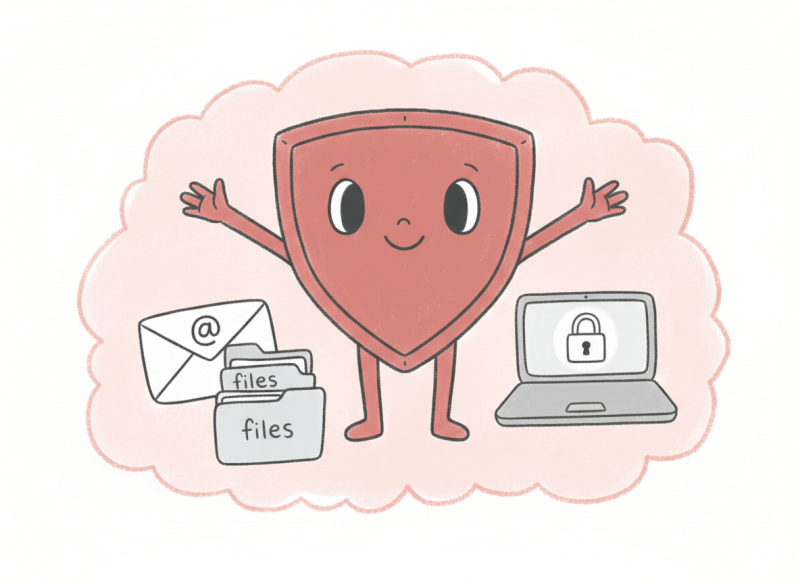
You do not need military-grade security. You do need the basics done properly.
Minimum security stack
- Multi-factor authentication (MFA)
- Endpoint protection (antivirus + monitoring)
- Email spam and phishing protection
- Automatic security updates
Cyber attacks increasingly target non-profits because they are seen as “easy targets.” Simple protection goes a long way.
Backup & Disaster Recovery
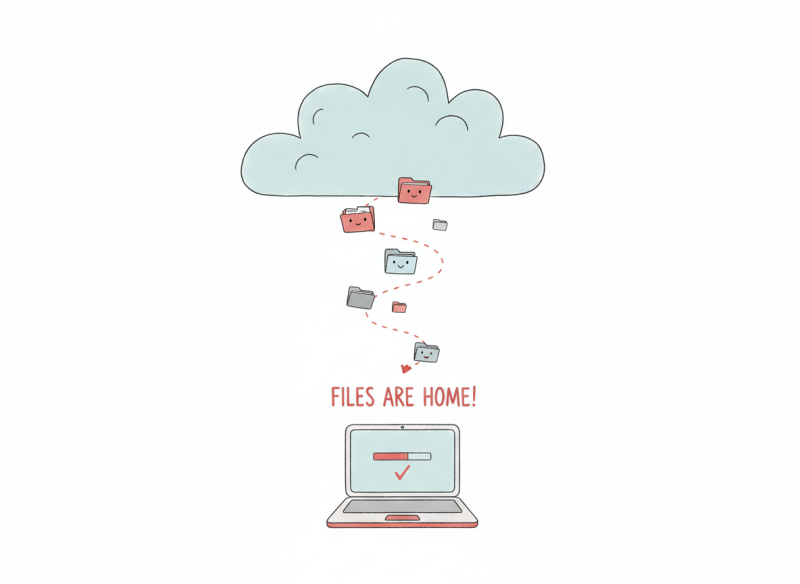
Cloud storage is not a backup.
If files are deleted, encrypted, or corrupted, you need a clean restore point.
Best practice
- Automated daily backups
- Off-platform backup storage
- Ability to restore individual files or full accounts
This is one of the cheapest ways to avoid catastrophic downtime.
Communication & Collaboration
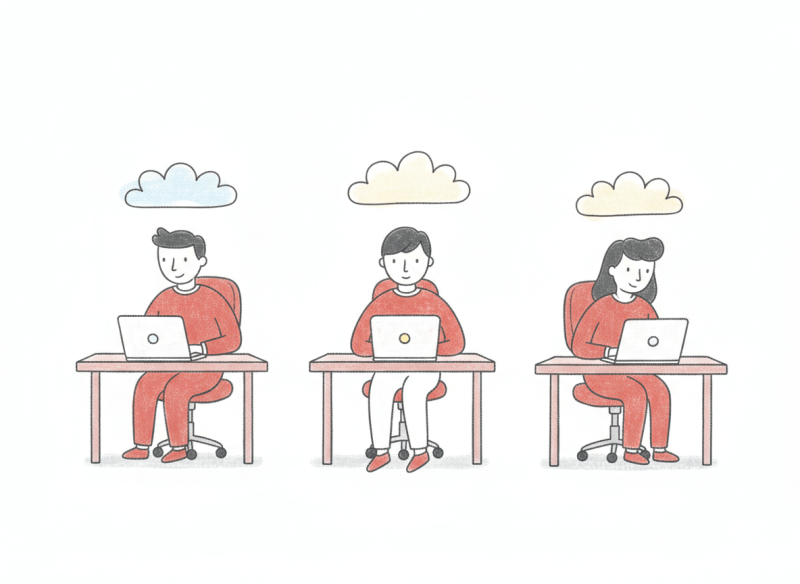
Your team needs to communicate quickly without chaos.
Keep it simple
- One chat tool
- One video meeting tool
- Clear rules on where conversations live
Avoid overlapping tools that fragment communication and create confusion.
IT Support & Monitoring
Even the best setup needs oversight.
A managed IT partner should:
- Monitor systems quietly in the background
- Fix issues before users notice
- Handle updates, security alerts, and backups
- Provide fast human support when needed
This replaces the “call someone when it breaks” approach that costs more in the long run.
A Sample Simple IT Stack (At a Glance)
| Area | What It Covers |
| Email & Files | Business email, cloud storage |
| Devices | Laptops, desktops, mobile access |
| Security | MFA, antivirus, phishing protection |
| Backup | Daily cloud backups |
| Collaboration | Chat, meetings, shared docs |
| Support | Monitoring + helpdesk |
This setup scales cleanly from 3 users to 50+ without a rebuild.
Common IT Mistakes We See in Non-Profits
- Using personal emails for work
- No offboarding process
- No backup testing
- Too many overlapping tools
- Relying on one “tech-savvy” staff member
These issues quietly create risk until something breaks.
Why This Approach Works for Not-for-Profits
Not-for-profits need:
- Predictable monthly costs
- Minimal admin overhead
- Strong security without complexity
- Clear accountability
A simple IT stack supports your mission instead of distracting from it.
How happier IT Helps
happier IT specializes in building clean, right-sized IT environments for not-for-profits and small businesses across Canada.
We focus on:
- Simplicity over complexity
- Security without fear-based selling
- Clear documentation and support
- IT that just works
If you are unsure where your current setup stands, we can review it and map a practical path forward.
Final Thoughts
Technology should support your work, not slow it down.
A simple IT stack reduces stress, lowers risk, and frees your team to focus on what actually matters. You do not need more tools. You need the right ones, configured properly.


